Global Campus updates - Conflict of Interest settings
Among this month's updates, Global Campus now gives you more control over how Conflict of Interest checks work. From your account (under your profile), you can fine-tune the parameters used to flag potential conflicts, tailoring them to your institution's specific COI policies.
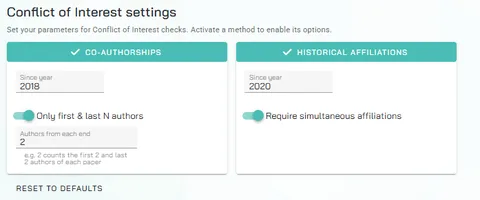
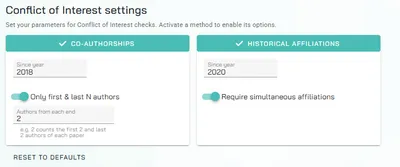
For co-authorships, you can set a "since year" to define how far back a shared publication counts as a conflict. You can also narrow the check to only the first and last N authors of each paper — useful for focusing on senior or corresponding authors rather than every name on a paper.
For historical affiliations, you can set your own "since year" threshold, and choose whether a conflict requires the two authors to have held simultaneous affiliations, rather than simply overlapping institutions at any point.
Each setting group — co-authorships and historical affiliations — can be toggled on to apply your custom parameters, or off to fall back to the default settings. And if you want to start fresh, a Reset to Defaults button is also available.